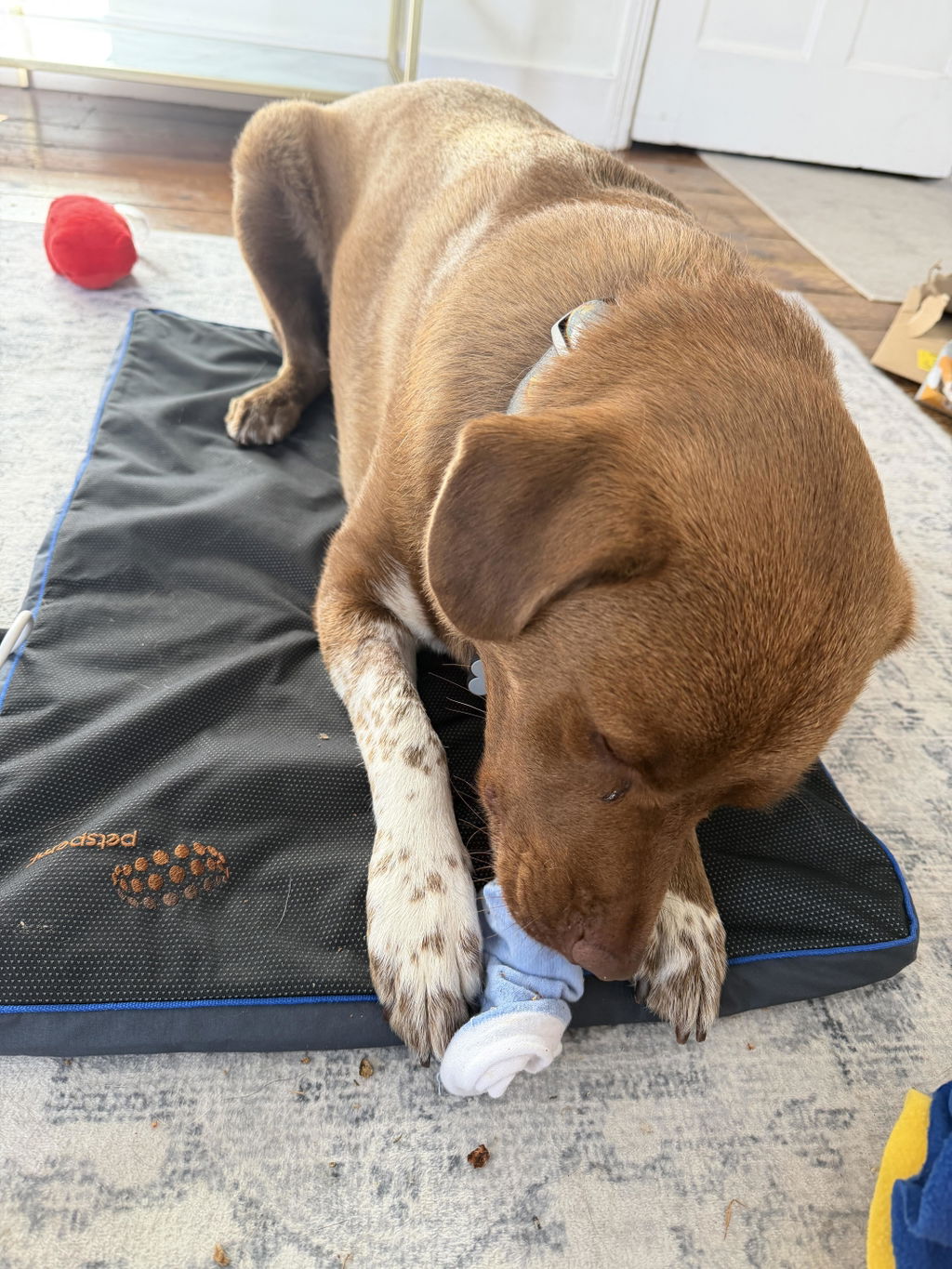


Place the PetsPEMF Pad on a flat, comfortable surface where your dog can lie down and relax. Position your dog on the mat so the area you wish to target is over the pad. Use the smartphone app to select your preferred treatment programme and session duration, then press start to begin. For subsequent sessions using the same settings, simply double-tap the top of the white control box on the mat. Double-tap again to stop the treatment.
Operating the Mat & Using the App
1. Selecting a programme: Use the smartphone app to choose between the four available treatment programmes.
2. Adjusting session times: Change the treatment duration through the app.
3. Starting treatment: Press the start button in the app or double-tap the top of the white control box on the mat.
4. Stopping treatment: Double-tap the control box again to stop the current session.
5. Repeating a programme: The mat remembers your last selected programme, so you can start the same treatment directly from the control box during future sessions without reopening the app.